
















Free Auto-Lock Bottom Box Dieline Template
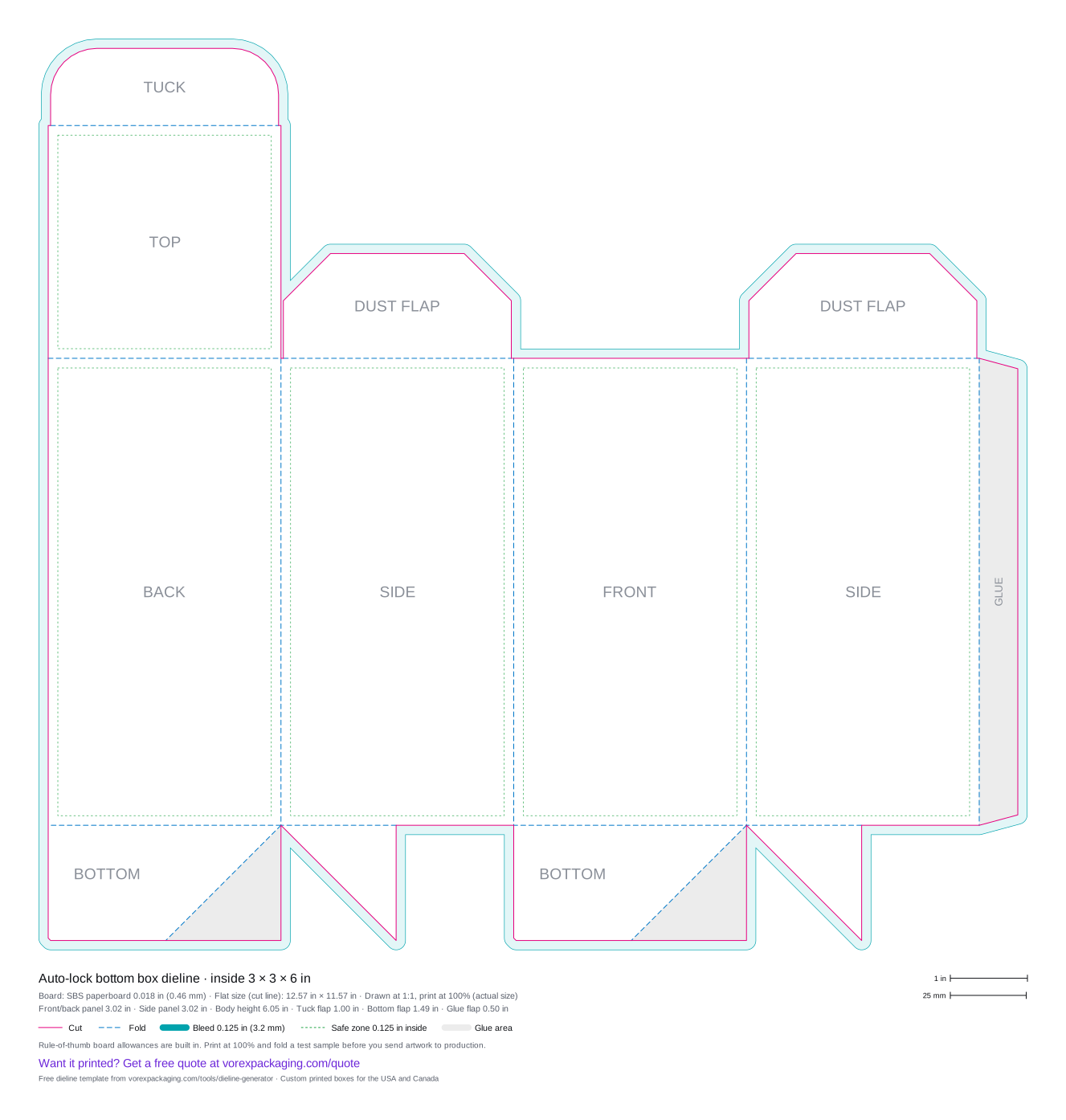
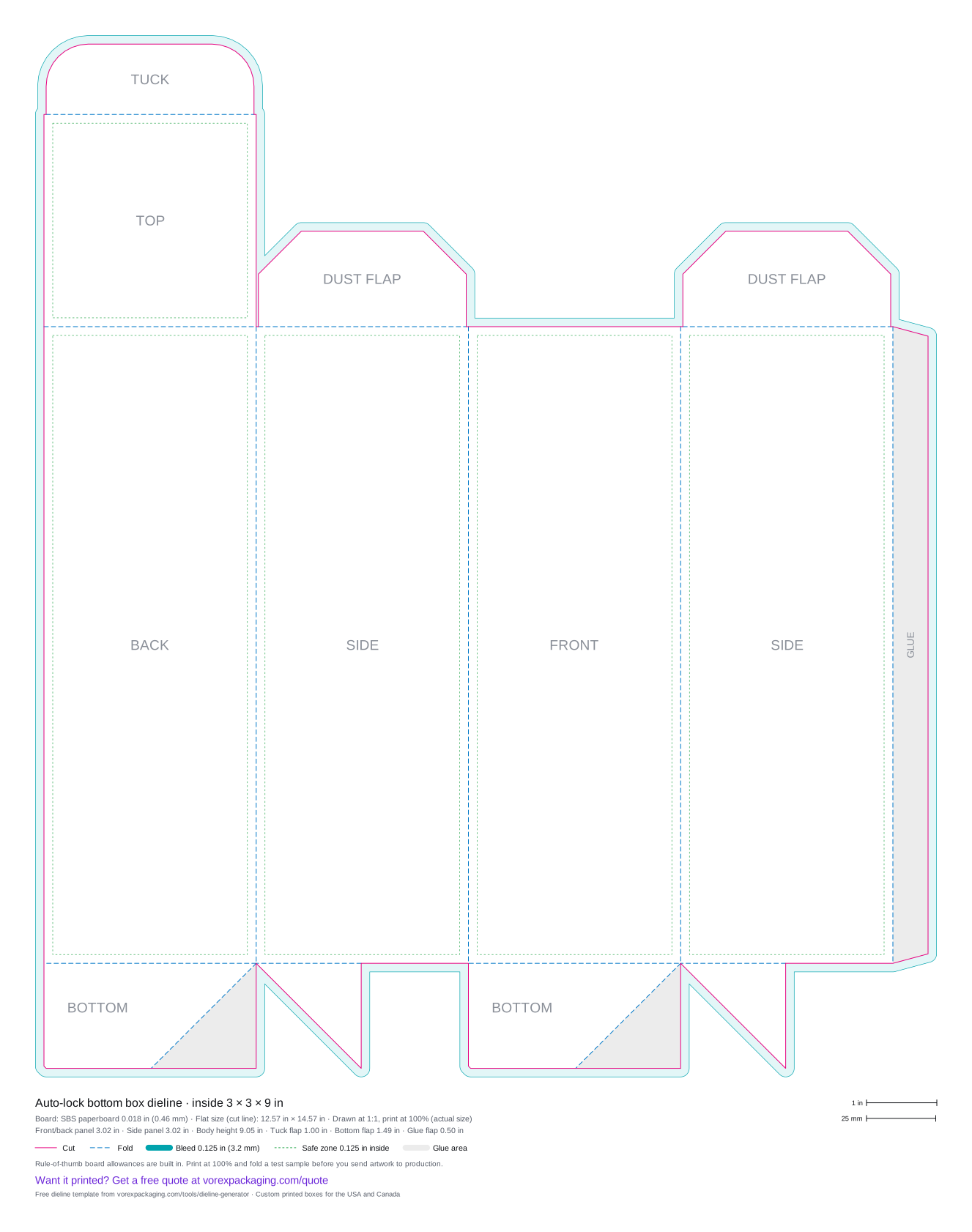
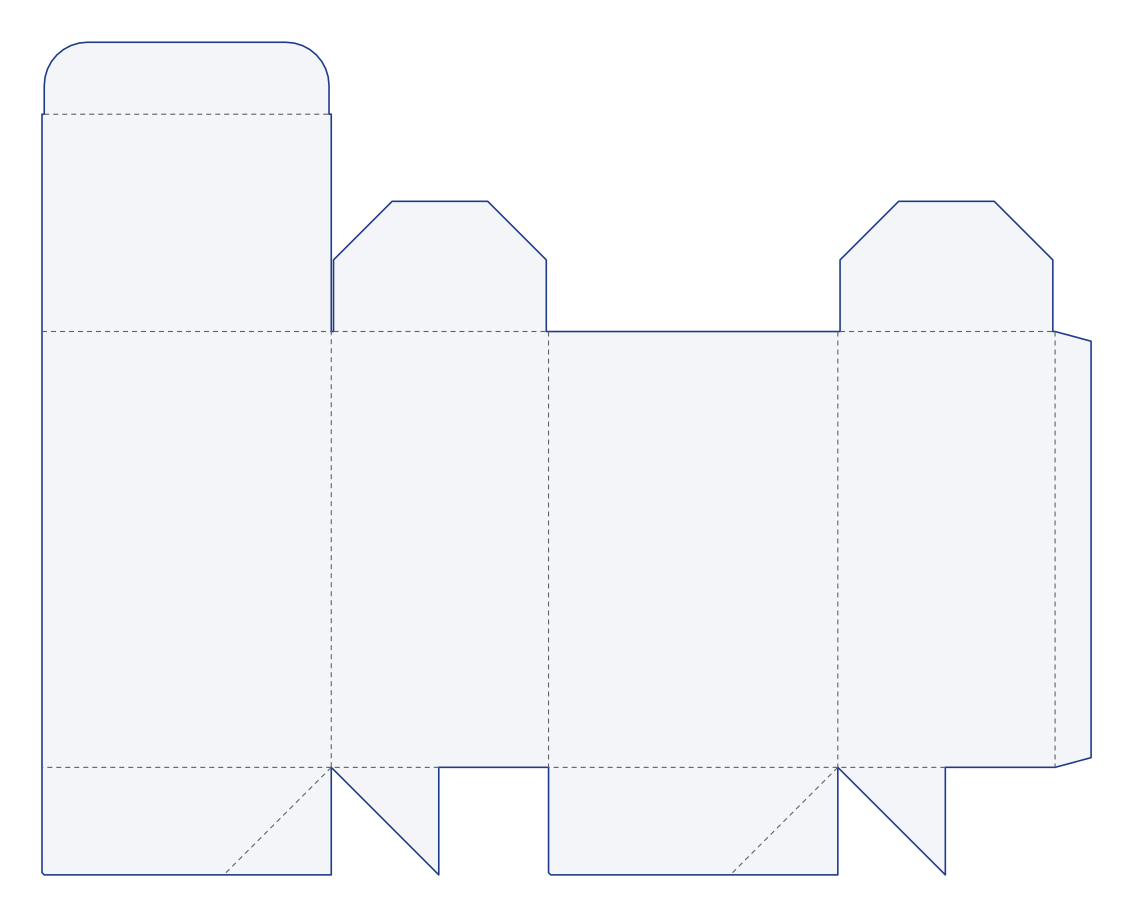
An auto-lock (crash-lock) bottom box is a folding carton with a pre-glued bottom that drops into place when the flat carton is squared up, and a tuck top. Enter the inside length, width and height and this tool draws the flat dieline with cut, fold, bleed and safe zone lines, as SVG, true-scale PDF or DXF.
Updated
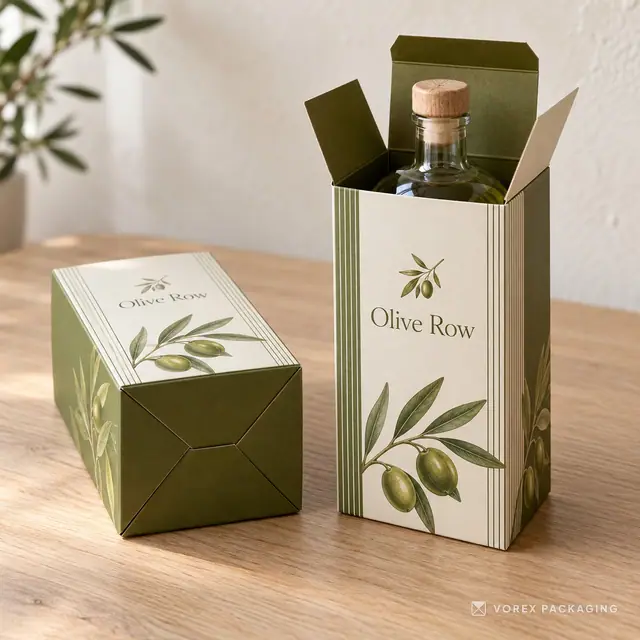
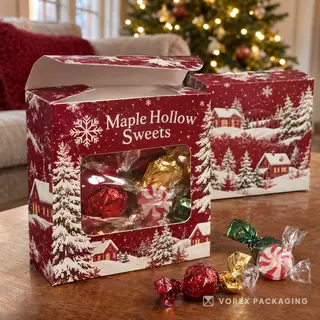
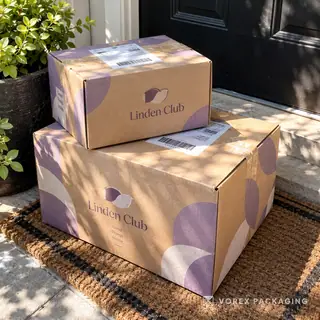
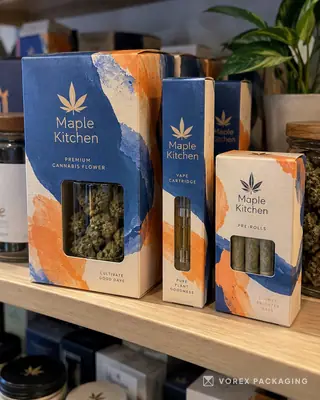
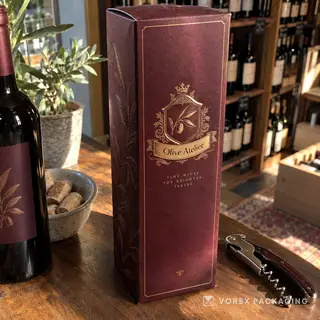
Want to see this style printed first? Order from 1 piece: Custom Auto Lock Bottom Boxes.
- Cut line
- Fold / crease
- Bleed 0.125 in
- Safe zone 0.125 in
- Glue area
What this tool does
It draws the flat auto-lock bottom box dieline for the inside size you enter, with cut lines, fold lines, a 0.125 in bleed, a 0.125 in safe zone and panel labels on separate layers, and exports SVG, a PDF at actual size or a DXF.
How to use it
- Enter the inside length, width and height (inches or millimetres).
- Pick the board: SBS 0.018 in, E-flute 1/16 in, B-flute 1/8 in or custom.
- Download SVG, PDF or DXF and place your artwork inside the safe zone.
Example result
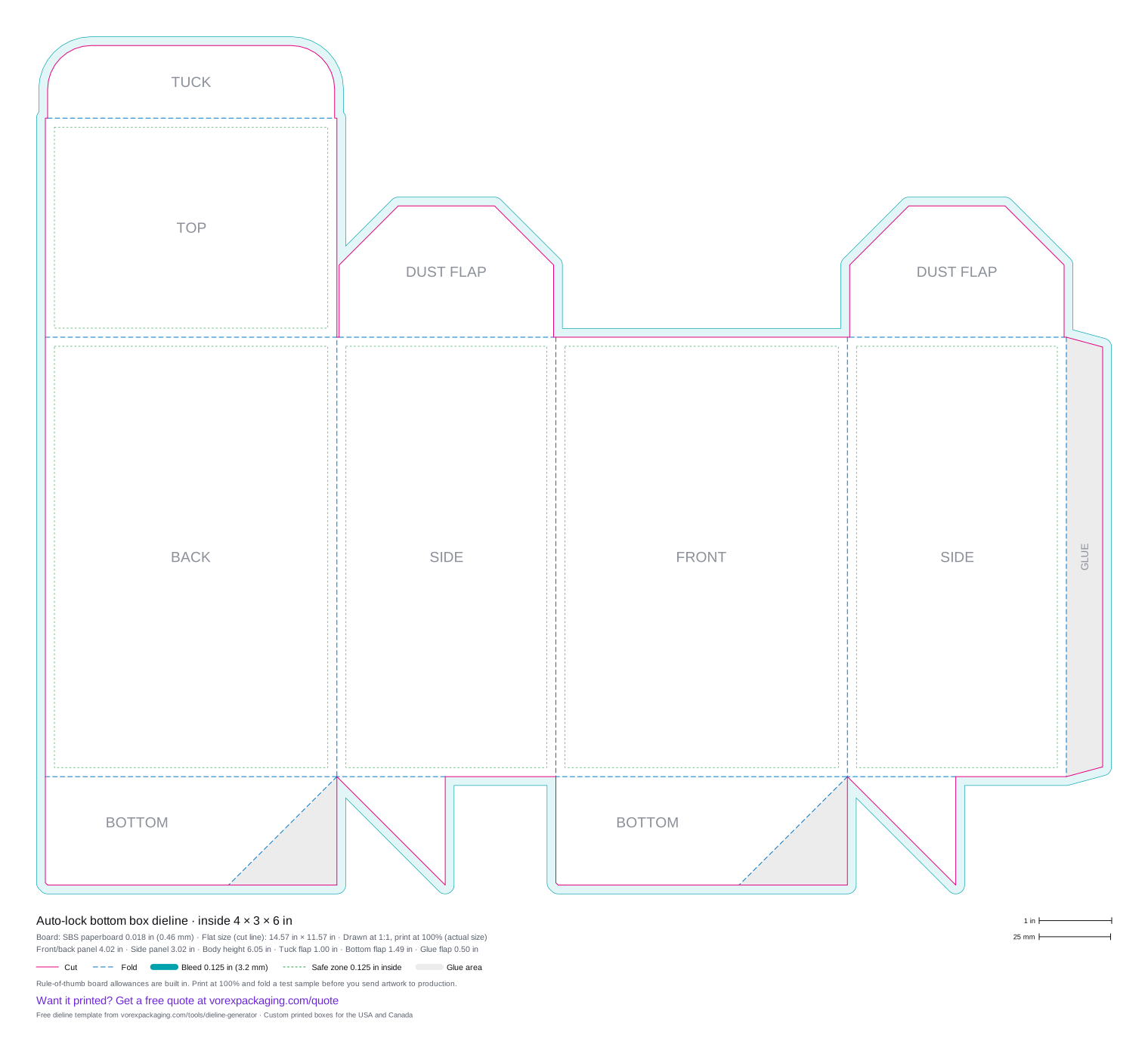
A 4 × 3 × 6 in auto-lock bottom box (inside length × width × height) on SBS paperboard 0.018 in (0.46 mm) lays flat at 14.57 × 11.57 in on the cut line. With the 0.125 in bleed and the legend, the PDF page is 15.82 × 14.52 in.
What size is a auto-lock bottom box dieline when flat?
Inside sizes in inches on SBS paperboard 0.018 in (0.46 mm). Each file is drawn at actual size with cut, fold, bleed and safe zone layers.
| Inside size (L × W × H) | Flat size | Download |
|---|---|---|
| 3 × 3 × 6 in | 12.57 × 11.57 in | SVG · PDF · Quote this size |
| 3 × 3 × 9 in | 12.57 × 14.57 in | SVG · PDF · Quote this size |
| 4 × 3 × 6 in | 14.57 × 11.57 in | SVG · PDF · Quote this size |
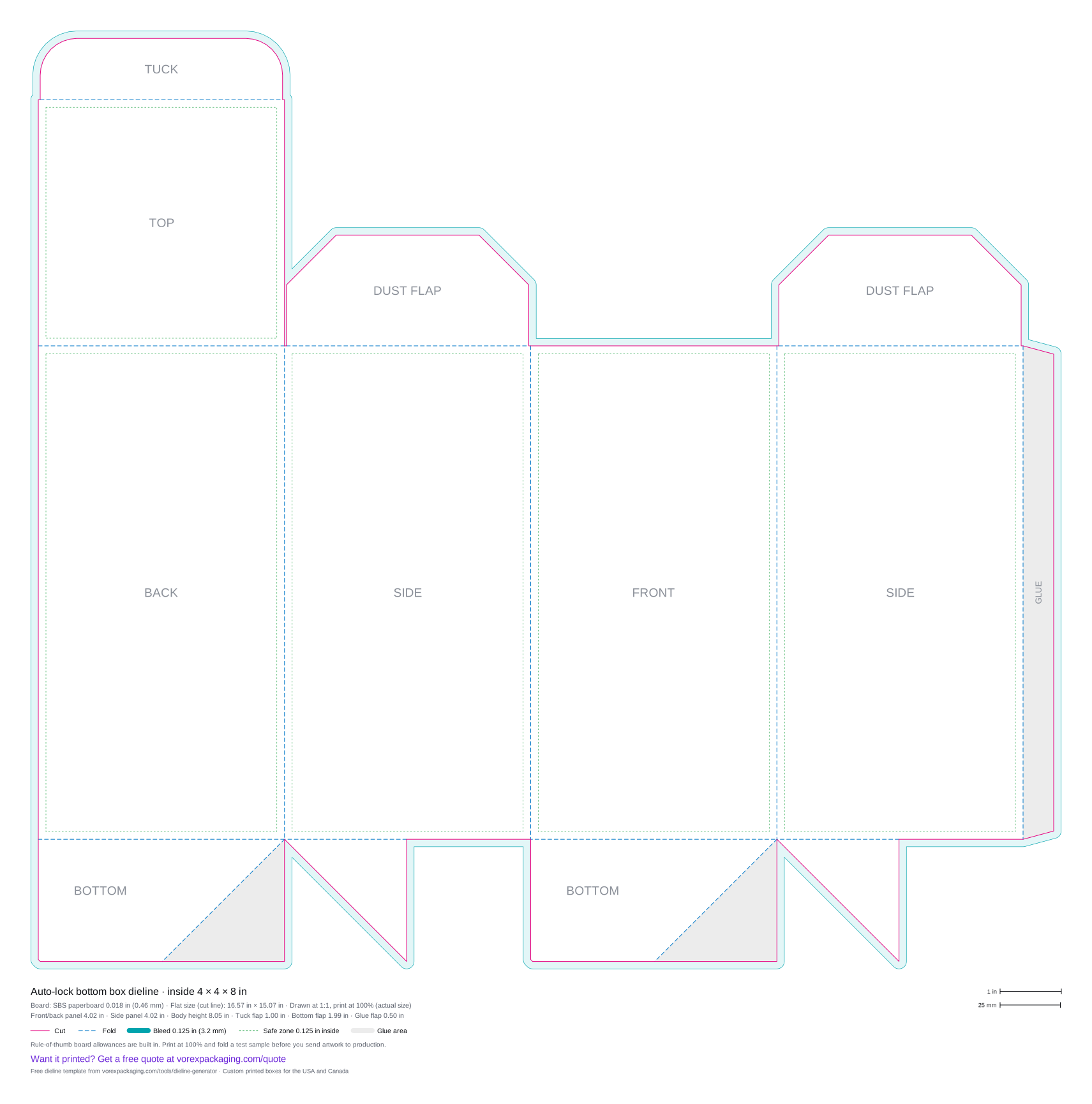
| 4 × 4 × 8 in | 16.57 × 15.07 in | SVG · PDF · Quote this size |
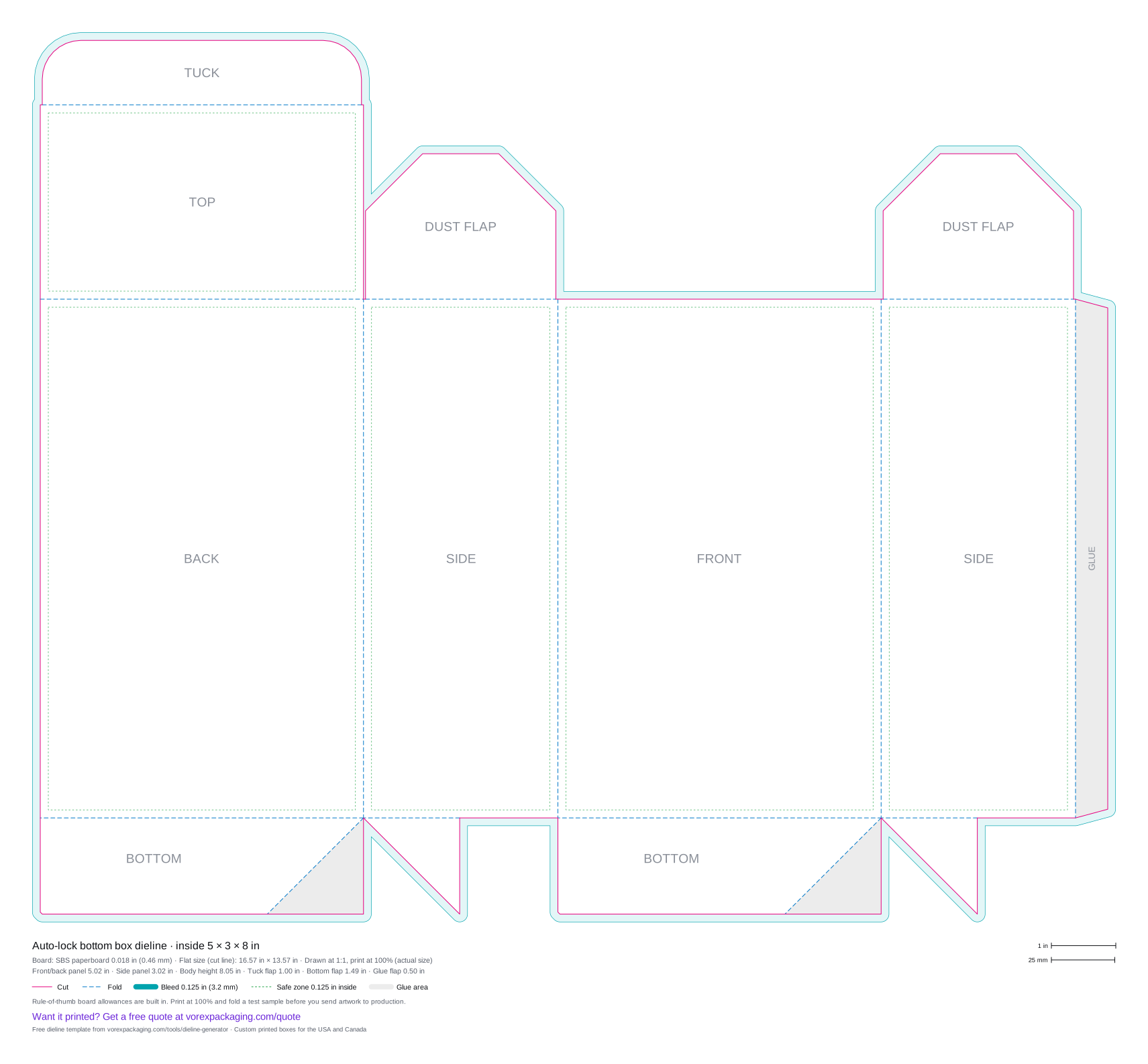
| 5 × 3 × 8 in | 16.57 × 13.57 in | SVG · PDF · Quote this size |
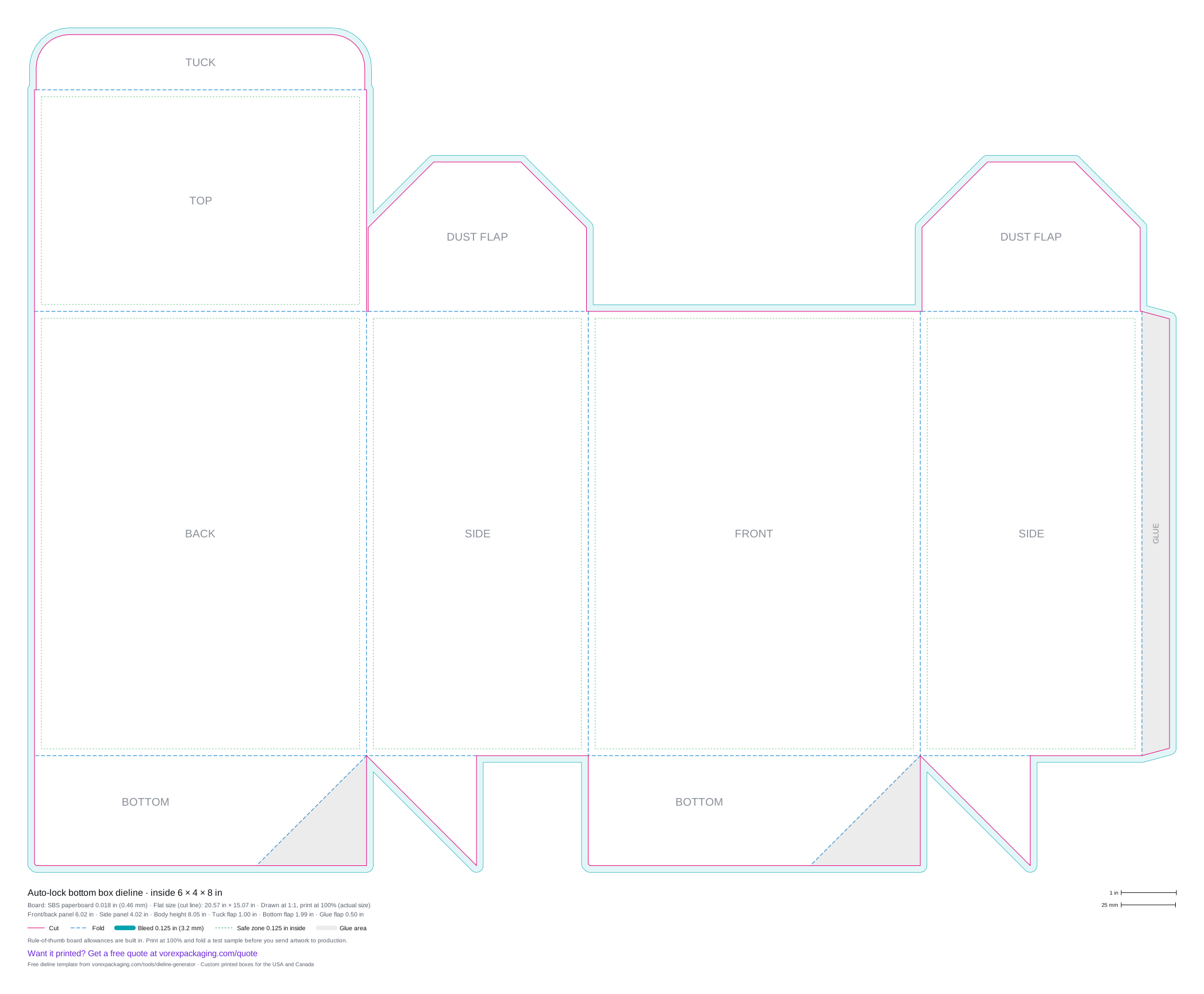
| 6 × 4 × 8 in | 20.57 × 15.07 in | SVG · PDF · Quote this size |
Auto-lock bottom box
Auto-lock bottoms are used for heavier or bottled products, such as jars, bottles and candles, because the floor is glued at the factory and sets up in one motion. In this template the glue triangles are shaded; the carton is glued flat with its creases on the back|side and front|side folds.
What the template includes
- Cut lines (solid) and fold lines (dashed) on separate layers
- A 0.125 in (3.2 mm) bleed outside the cut and a 0.125 in safe zone inside each main panel
- Panel labels and a legend with every panel size, the flat size and the board
- 1 in and 25 mm scale bars, so you can check a print at 100%
Which carton dieline do I need?
Four folding carton templates, by closure. For the full buying comparison, see straight tuck end vs reverse tuck end.
| Style | Top closure | Bottom closure | Set-up | Typical use |
|---|---|---|---|---|
| Straight tuck end box | Tuck flap hinged on the back panel | Tuck flap hinged on the back panel | Both ends tucked by hand | Products where both ends should open the same way, such as cartons shown face-forward on a shelf |
| Reverse tuck end box | Tuck flap hinged on the back panel | Tuck flap hinged on the front panel | Both ends tucked by hand | The most common retail carton: cosmetics, supplements, candles |
| Auto-lock bottom box | Tuck flap with dust flaps | Pre-glued crash-lock bottom | Bottom sets up in one motion when the carton is squared | Heavier or bottled products: jars, bottles, candles |
| Snap lock bottom box | Tuck flap with dust flaps | 1-2-3 lock bottom, no glue | Bottom folded and locked by hand in four moves | Heavier retail products: bottles, jars, electronics |
How do I make a auto-lock bottom box dieline?
- Pick the box style. Choose the style and enter the inside length, width and height in inches or millimetres.
- Set the board. Choose SBS paperboard, E-flute corrugated or a custom thickness, and adjust the glue and tuck flaps if you need to.
- Download the template. Download the dieline as SVG or PDF. Both are drawn at actual size.
- Check the scale. Print the PDF at 100% (actual size) and measure the 1 in bar in the legend, then cut and fold a test sample.
- Place your artwork. Open the file in Illustrator, Affinity, Inkscape or Canva, keep the dieline on its own layer, extend backgrounds to the bleed line and keep text inside the safe zone.
- Send it to print. Ask your printer to confirm the final die line for their board, then send the artwork for a proof.
Auto-lock bottom box dieline questions
How does a crash-lock bottom work?
Why does the generator refuse some sizes?
Is an auto-lock bottom stronger than a tuck bottom?
How do I make an auto-lock bottom box dieline?
Can you print auto-lock bottom boxes in my size?
Order this box printed
More free dieline templates
- Reverse tuck end box dieline
- Straight tuck end box dieline
- Mailer box dieline
- Pillow box dieline
- Sleeve dieline
- Two-piece box (tray and lid) dieline
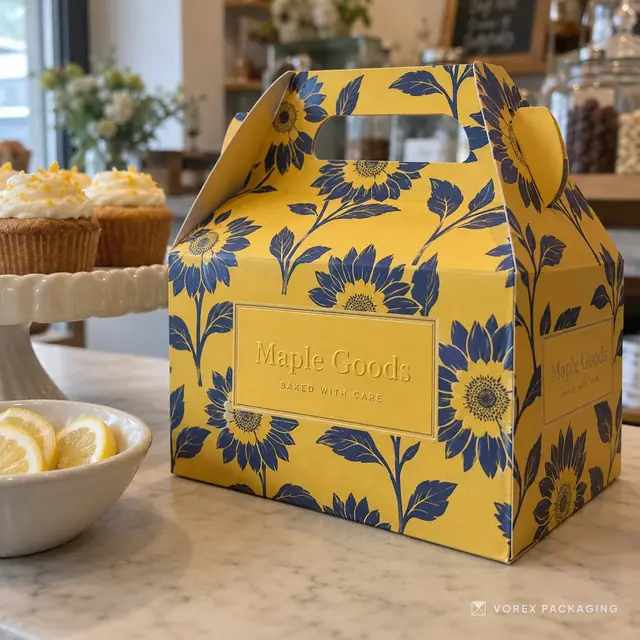
- Gable box dieline
- Snap lock bottom box dieline
- Seal end carton dieline
- Pizza box dieline
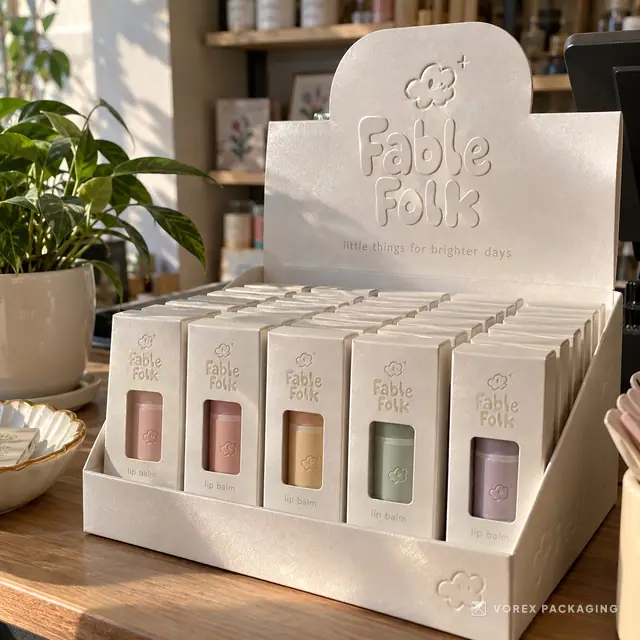
- Counter display box dieline
- Hexagon box dieline
- Cake box with window dieline
- Logo maker
Auto Lock Bottom Boxes, printed with your brand
Each one is made to order and printed with your artwork. Prices are for one listed piece; any other size or quantity is priced in a custom quote.